Neovim (I use Neovim btw)
I mainly started using Neovim because I wanted to look like a cool hacker. (Don’t worry, I’m not much of a danger)
After getting over how cool it looked and spending days configuring it, I discovered that it’s actually a really nice workflow.
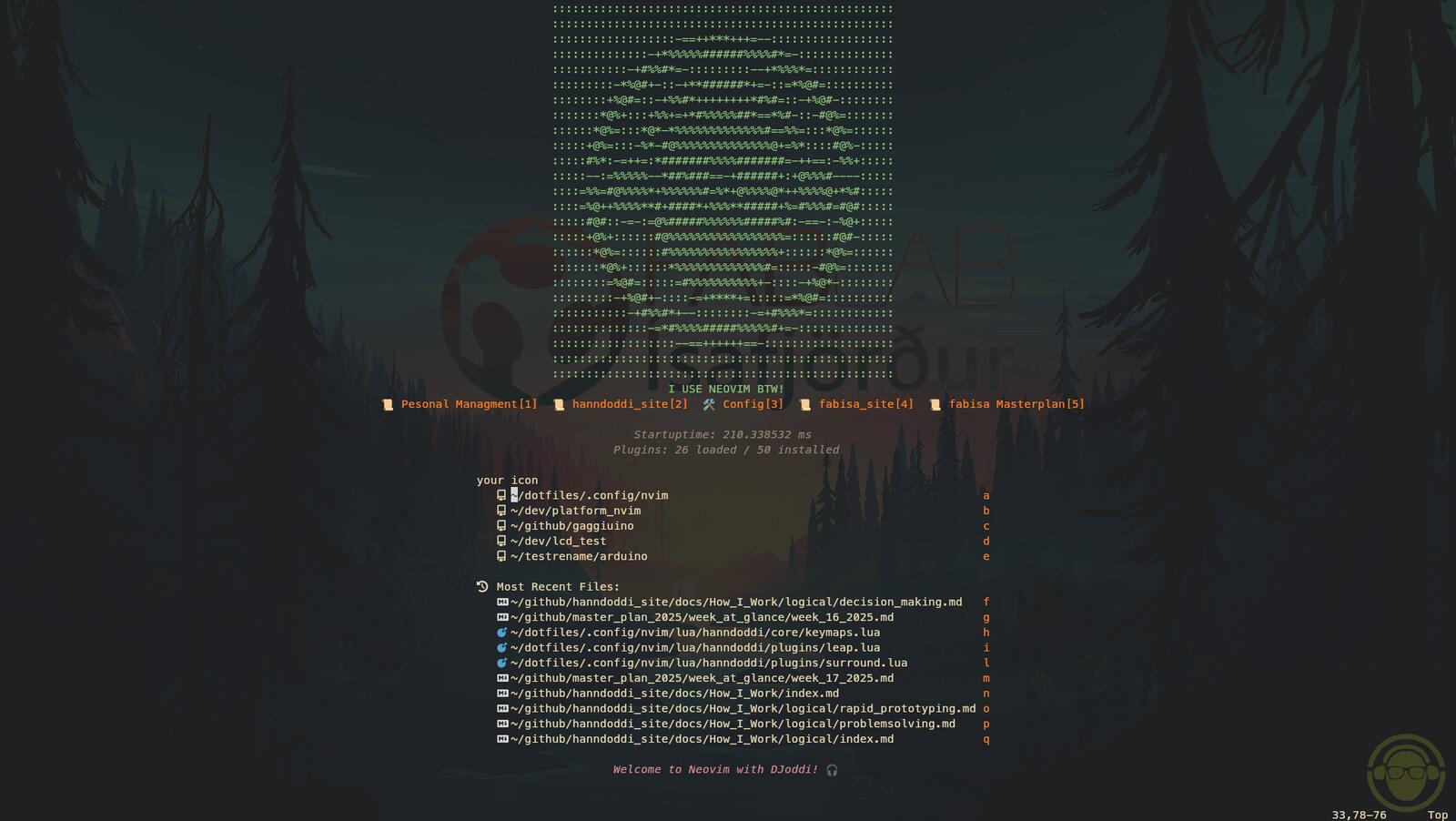
Setup
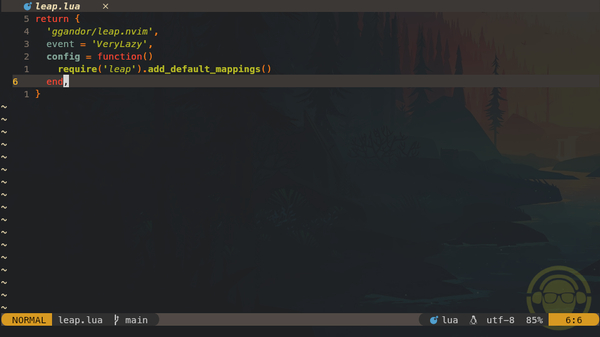
For anyone just starting out, I’d recommend checking out kickstart nvim.
It’s a great minimal starter config.
There’s also this video that I really wish I’d found earlier.
My Neovim setup has gone through a few iterations, but I’ve restructured it for my needs mainly for embedded electronics and markdown. I now use my own custom setup, inspired by Kickstart and a few other configs I’ve found along the way.
What I’m Using
- ✅ Neovim 0.12 (manually installed from official tarball)
- ✅ Lazy as plugin manager
- ✅ Modular Lua config under
~/.config/nvim/lua/hanndoddi - ✅ Custom dashboard with personal shortcuts
- ✅ Treesitter, Mason, LSP, formatting, linting all working
- ✅ Micropython and Platform.io
- ✅ Transparent theme + icons
- ✅ Lazy Git
Structure
I split things into modular Lua files for easier organization and customization.
My config is split into:
~/.config/nvim/
├── init.lua
├── lua/
│   └── hanndoddi/
│       ├── core/       -- Basic options, keymaps
│       ├── plugins/    -- Plugin configs
│       ├── lazy.lua    -- Lazy plugin setup
│       └── init.lua    -- Main entry point
Notable Plugins
- lualine - statusline
- telescope - fuzzy finder
- nvim-tree - file explorer
- vim-visual-multi - multi-cursor
- todo-comments - highlight and search TODOs
- surround, substitute, comment - editing helpers
- formatter, linter, gitsigns
- leap - moving around fast
My favorite vim motions and keybinds
- gcc - convert to comment and uncomment
- space+x - Check tasks
Update Process
I use two options for updating Neovim depending on whether it’s a big update or it’s been a while since I last updated.
Option 1 - Quick Test (AppImage)
I use this to test a new version safely before installing system-wide to check if anything breaks.
cd /tmp
wget https://github.com/neovim/neovim/releases/latest/download/nvim-linux-x86_64.appimage

chmod +x nvim-linux-x86_64.appimage
./nvim-linux-x86_64.appimage
Notes:
- Runs Neovim without installing anything
- Uses my existing config (
~/.config/nvim) - Good for testing compatibility before upgrading
- Does not affect your system version
Option 2 - System-wide Install (/opt)
This is the main installation/update method if I'm sure nothing critical will break. This replaces the existing Neovim binary but keeps my config and plugins intact.
cd /tmp
curl -LO https://github.com/neovim/neovim/releases/latest/download/nvim-linux-x86_64.tar.gz

sudo rm -rf /opt/nvim-linux-x86_64
sudo tar -C /opt -xzf nvim-linux-x86_64.tar.gz
Symlink (only needed once):
Verify Installation
I use this to make sure everything works like before. I also run :checkhealth before and after updating and compare the results.
Expected:
nvim→/usr/local/bin/nvim- version matches installed release
- symlink points to
/opt/nvim-linux-x86_64/bin/nvim
Thoughts
You’re more than welcome to explore (or fork) my Neovim config.
But I highly recommend customizing it to suit your needs.
I'm Still exploring deeper workflows like native multi-cursor editing, but happy with the current state.
My take: - Don’t force Neovim to act like VS Code. - If you’re happy with your current editor - keep using it!
Neovim is awesome if it works for you.
Happens to work for me.
Info